Skip to main content Skip to search Skip to main navigation
Menu

18/05/2021

How do I set up my wazzl?

Even the simplest things can be difficult if you've never done them before. That's why we'd like to share a quick guide with you here to make you more comfortable with setting up your digital business card.


Your new wazzl is in front of you

You've finally received your order, the product flyer is now in front of you. You will probably also see the QR code, which will take you to www.wazzl-login.de or, even better, you can scan your wazzl directly to get to the page. Just hold your smartphone with activated NFC sensor to the wazzl tag.


Sign up

On arrival at www.wazzl-login.de you will first find an empty profile. Log in with your access data. If you haven't already done so, go to the menu at the top right and click on "Login". Here you can easily enter your access data, which can be found on the backside in the lower part of the flyer. Confirm that you have entered your username and password correctly.


Set up profile

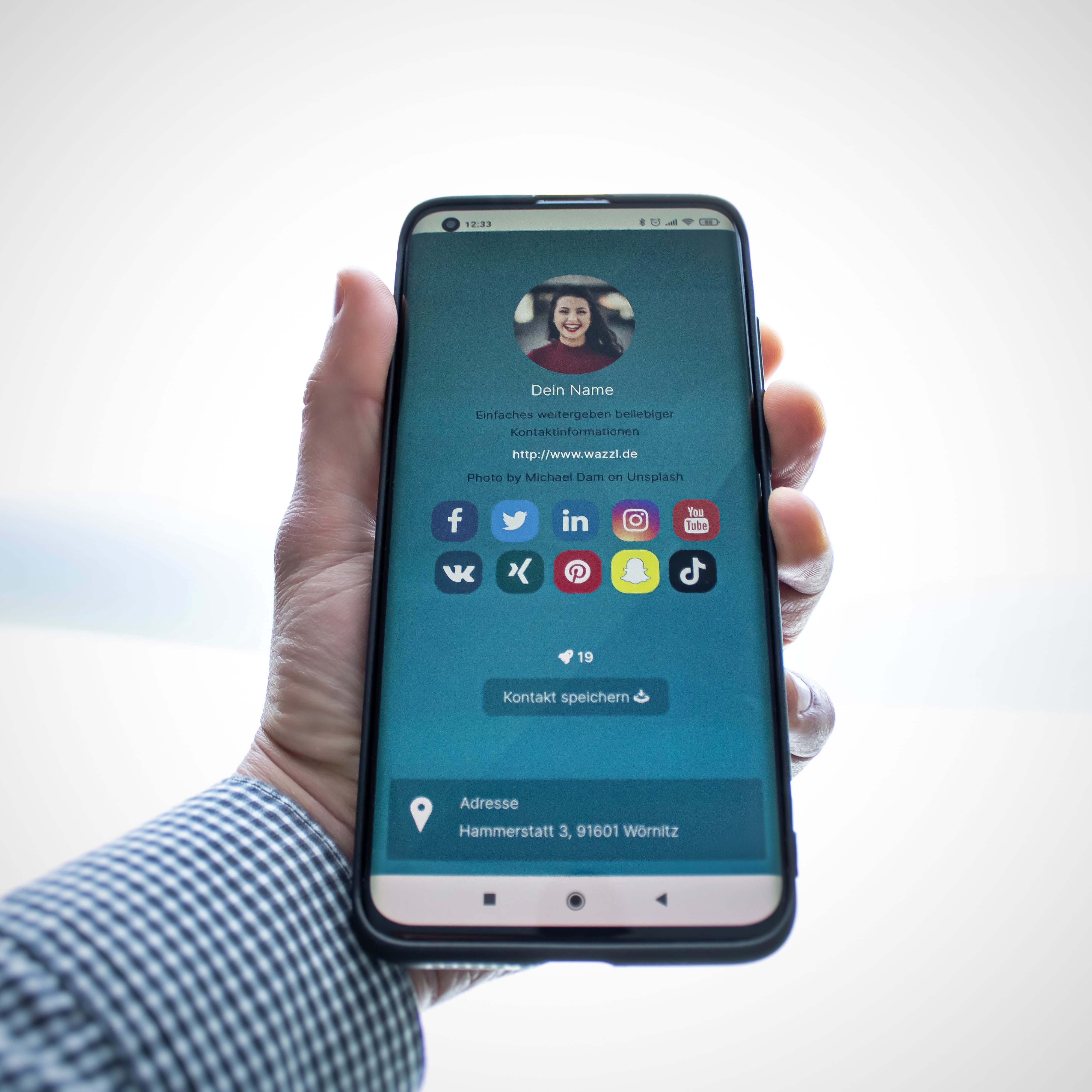
Now you have the possibility to set up your profile. To do this, call up the menu at the top again what is NF? on the right and select "Set up profile". In the following fields you can enter your personal data, all fields are optional, i.e. they do not have to be filled in.

Your V-Card

You can easily show or hide the download button for your contact details. All the information you enter is transferred to your V-Card file when activated. Your opposite number can thus quickly and easily add you to theircontact details and save them permanently.


Password protection for your profile

Another possibility to protect your profile from unwanted access is the optional password protection. This serves to switch on a page with password request before calling up your profile page. We recommend this setting if there is an additional need to protect sensitive data, e.g. internal company information.


Design

In the last section you have the possibility to define a design for the presentation of your profile. Our predefined templates are constantly maintained and extended. For anindividual design that completely corresponds to the CI of your company, you can contact us and we will be happy to implement a customised layout together with you.


10
Custom metal card - Digital business card Custom metal card - Digital business card

Average rating of 5 out of 5 stars

Custom metal card - Digital business card

Templates / Layout Option A: You can send us your print file or just a logo directly with your order via the "Upload file in cart" option. Option B: After placing your order, you will optionally receive an email with print instructions. There you will find all important information about the print process again and also have the option to send us your print files. Important: Only the front side is customizable, the back contains a permanently integrated QR code framed by the NFC module. Layout Template Downloads: Print Template Adobe Illustrator Video instructions: Order / Print Process The exclusive NFC metal card – custom engraved with your logo or text. Our high-quality NFC metal card combines elegant design with practical functionality. Made of durable material, it features a sleek, anthracite matte surface that harmonizes perfectly with the silver engraving. This excellent craftsmanship ensures a long-lasting card that serves as a timeless accessory. Important note on NFC usage: The NFC chip is located on the back of the card, in the same place as the alternative QR code, allowing your contact information to be shared quickly and easily. Scanning is only possible at this location. Front side as RFID blocker: The front of the card acts as an RFID blocker and protects your sensitive data from unauthorized access. This way, you benefit from added security without compromising on stylish design. With your custom NFC metal card, you can easily and quickly share your contact information – conveniently via NFC or QR code on the back. Your conversation partner only needs their smartphone. ✓ Share social media, website, phone number, custom messages, etc. ✓ One-time purchase & permanently free to use ✓ Convenient digital business card ✓ Easy & fast sharing of any contact information ✓ Compatible with all modern NFC-enabled smartphones ✓ Also shareable via QR code without NFC tag ✓ All data can be deleted completely at any time ✓ Direct profile update when changes are made ✓ No app required ✓ Your counterpart does not need wazzl ✓ Usable online & offline ✓ Includes lead tool to generate contacts ✓ Follow-up function ✓ Push notifications for updated contact info With wazzl, you have a practical and versatile digital business card that helps you grow your network. Your counterpart only needs their smartphone – wazzl is a simple solution for effective networking. Integration with Google & Apple Wallet is also available. Get your NFC business card(s) now! Product details: Material: Stainless steel, powder-coated Size: 85.5 mm x 54 mm

Sale price: €89.99 Regular price: €99.99
40.01 Bestseller
Digital profile - online activation (without card, purely digital) Digital profile - online activation (without card, purely digital)

Average rating of 5 out of 5 stars

Digital profile - online activation (without card, purely digital)

With wazzl, you can easily share contact information. Share your QR code via Apple Wallet, lock screen, and more – the other person only needs their smartphone. After your order, you will immediately receive an activation code and can make your profile publicly visible. (All other products also include online activation.) ✓ Share social media, website, phone number, custom messages, and much more ✓ One-time purchase & permanently free to use ✓ Convenient digital business card ✓ Easy & fast sharing of any contact information ✓ Compatible with all modern smartphones ✓ All data can be completely deleted at any time ✓ Instant profile updates when changes are made ✓ No app required (optional) ✓ The other person doesn’t need wazzl

Sale price: €29.99 Regular price: €49.99